

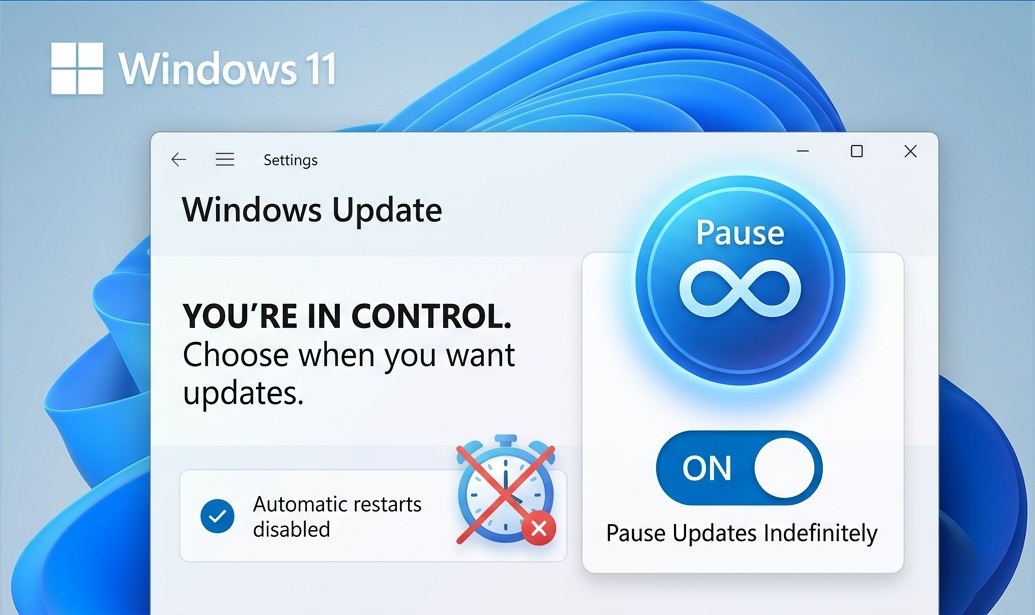
The End of “Update and Restart”: Microsoft Grants Users Eternal Pause for Windows 11
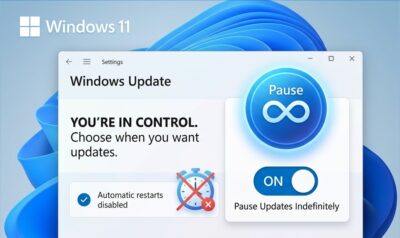
In a historic pivot for the OS that once made “Update and Restart” a mandatory part of your bedtime routine, Microsoft has officially announced the end of forced Windows 11 updates. In a move part of the broader “Windows K2” initiative aimed at restoring user trust, the company is finally giving users the power to pause updates indefinitely.
Key Highlights of the Windows Update Overhaul
For well over a decade, Windows users have been locked in a battle with the “5-week pause limit.” That era is ending. Here are the core changes arriving in the April 2026 Update:
- The “Forever Pause”: Users can now postpone updates for as long as they wish using a new calendar-based control system. Unlike previous versions that forced an installation after a month of delay, the new policy allows for a “pause until further notice” approach.
- The “Just Shut Down” Option: Microsoft has decoupled the update process from the power menu. If you have a pending update, you now have the explicit option to “Shut down” or “Restart” without being forced to install the patch first—a feature power users have been demanding since the launch of Windows 10.
- Skip-the-Setup (OOBE): New PC setups will no longer require a 30-minute hostage situation during the Out-of-Box Experience. A new “Update Later” button allows users to reach their desktop instantly, moving the update process to a background task that can be scheduled later.
Why the Change?
According to Pavan Davuluri, Microsoft’s EVP of Windows & Devices, the shift is about making Windows “predictable and easy to plan around.”
The move follows a string of feedback regarding “update fatigue” and several buggy patches earlier in 2026 that caused system stability issues. By allowing users to opt-out, Microsoft is effectively putting the onus on the quality of their patches to “earn” the installation.
The “Security Catch”
While the tech community is celebrating this newfound freedom, security experts are sounding the alarm. By allowing users to skip updates forever, Microsoft is essentially creating a “fragmented security landscape.”
To mitigate this, Microsoft is moving toward a “Single Monthly Reboot” paradigm for those who do choose to stay updated, consolidating all necessary patches into one predictable window to minimize downtime.
Availability
The new update controls are rolling out now as part of the April 2026 Patch Tuesday cycle. Users can find the new options under Settings > Windows Update > Advanced Options.
How long do you plan to keep your “Pause” button active?



































 Omada
Omada