

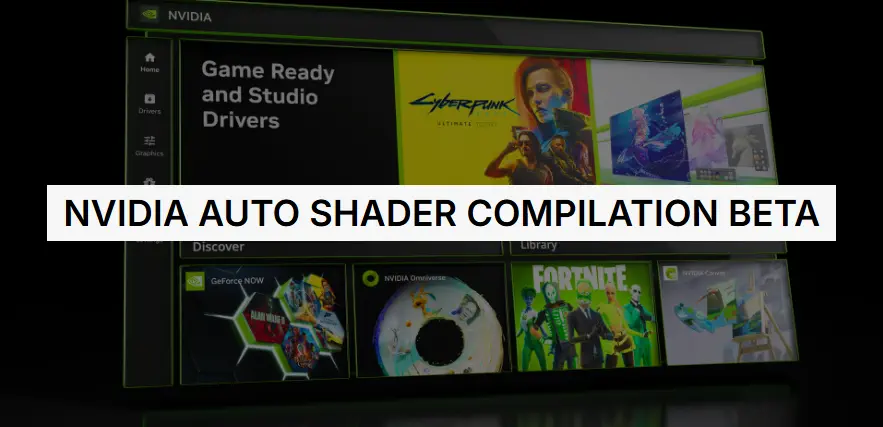
NVIDIA’s latest NVIDIA App beta adds DLSS 4.5 Dynamic Multi Frame Generation, raises Multi Frame Generation to 6X on RTX 50 Series, introduces an improved Frame Generation AI model for UI clarity, and debuts an Auto Shader Compilation beta to rebuild DirectX 12 shaders while your PC is idle.
Key takeaways and how to try it
- What to expect: Dynamic Multi Frame Generation automatically adjusts frame-generation multipliers to hit a target frame rate, balancing FPS, image quality and responsiveness. 6X Multi Frame Generation is now available on GeForce RTX 50 Series for higher performance in supported titles.
- Requirements: Opt into the NVIDIA App beta and ensure GeForce Game Ready Driver 595.97 WHQL or newer is installed.
- Where to enable: Open the NVIDIA App → Graphics tab → DLSS Override – Frame Generation Mode to choose Dynamic or Fixed, or use Shader Cache to enable Auto Shader Compilation.
What NVIDIA changed
NVIDIA’s update expands DLSS 4.5 with Dynamic Multi Frame Generation, a system that behaves like an “automatic transmission” for frame generation: it monitors GPU load versus display refresh rate and shifts multipliers in real time to maintain smooth motion on high-refresh displays (120Hz, 144Hz, 240Hz and above). Users can target the display’s max refresh rate or set a custom cap.
The update also increases the maximum Multi Frame Generation multiplier to 6X on GeForce RTX 50 Series GPUs, meaning the GPU can generate up to five additional frames for every native frame rendered — a change NVIDIA says can boost 4K path-traced frame rates by up to 35% in some titles when combined with other improvements.
An enhanced Frame Generation AI model (available for RTX 40 and 50 Series) improves rendering of in‑game user interfaces by using additional engine UI buffers, reducing artifacts on mini‑maps and HUD elements in supported games. Users can activate this model via DLSS Override – Model Presets → Frame Generation → Preset B.
Auto Shader Compilation beta
NVIDIA added a beta Auto Shader Compilation (ASC) feature that rebuilds DirectX 12 shaders while your system is idle or on demand via a Compile Now button. ASC aims to reduce “Compiling Shaders” waits and runtime stutter after driver updates; it does not replace the initial shader generation required when you first run a newly installed game. ASC is off by default in the beta.
Limitations, risks and practical advice
- Not a universal fix: ASC only updates shaders already present on your machine; first-run shader compilation still occurs for newly installed games.
- Beta caveats: Expect possible bugs or incomplete title coverage; enable the feature only if you’re comfortable testing beta software.
- Performance trade-offs: Higher Multi Frame Generation multipliers (4X–6X) deliver big FPS gains on RTX 50 Series but may increase GPU load and interact with latency; NVIDIA recommends combining these features with NVIDIA Reflex for best responsiveness.
Bottom line
This NVIDIA App beta is a significant step toward smoother, higher‑frame‑rate gaming: Dynamic Multi Frame Generation and 6X Multi Frame Generation unlock higher performance on modern RTX hardware, while the Auto Shader Compilation beta targets a long‑standing source of stutter. Gamers should opt into the beta, ensure drivers are up to date, and test settings per game to balance image quality, frame rate, and responsiveness.
































 Omada
Omada